How to Start Brave Frontier Heroes



Install Oasys Passport
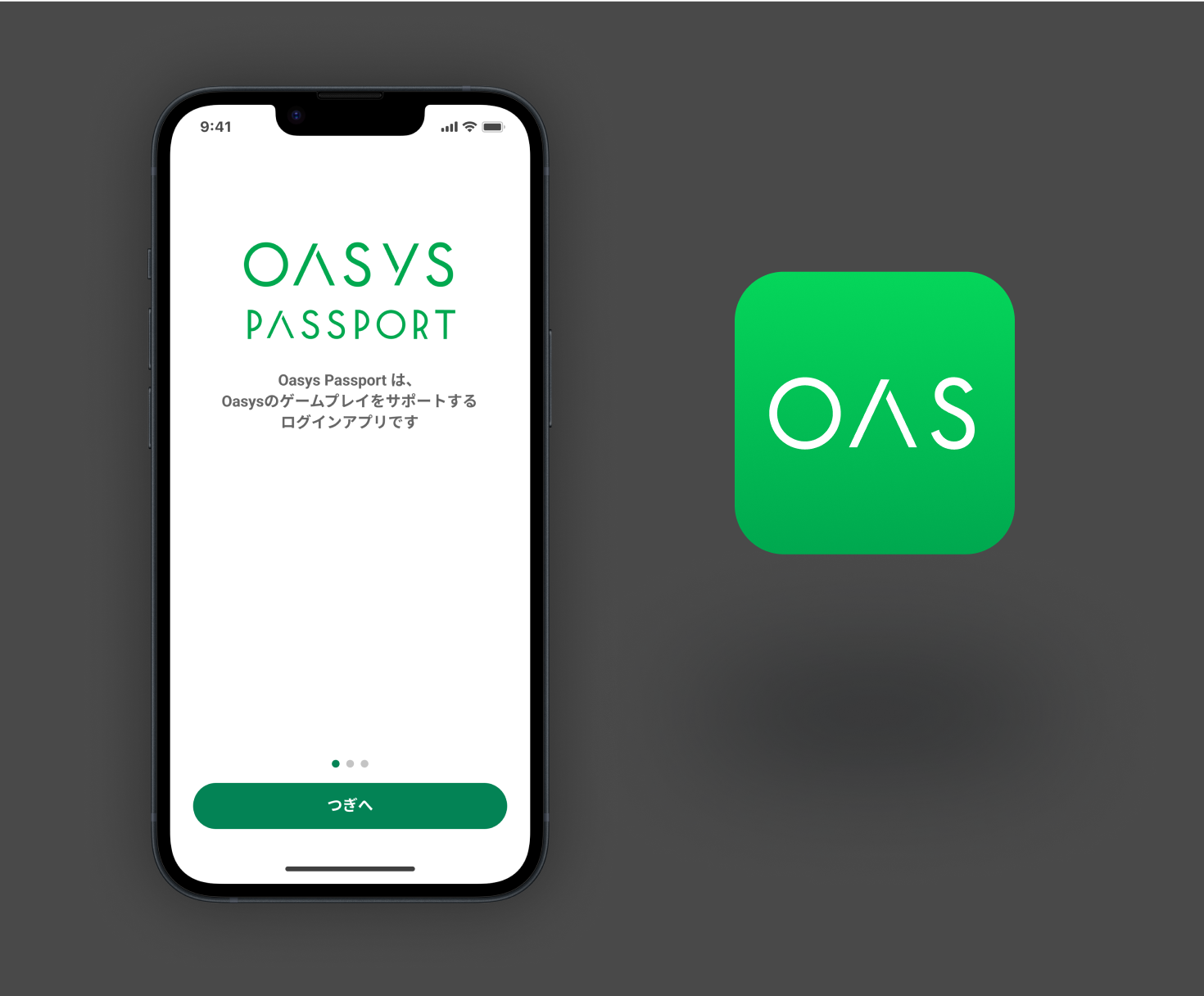
Install the beginner-friendly wallet app 'Oasys Passport' from here!



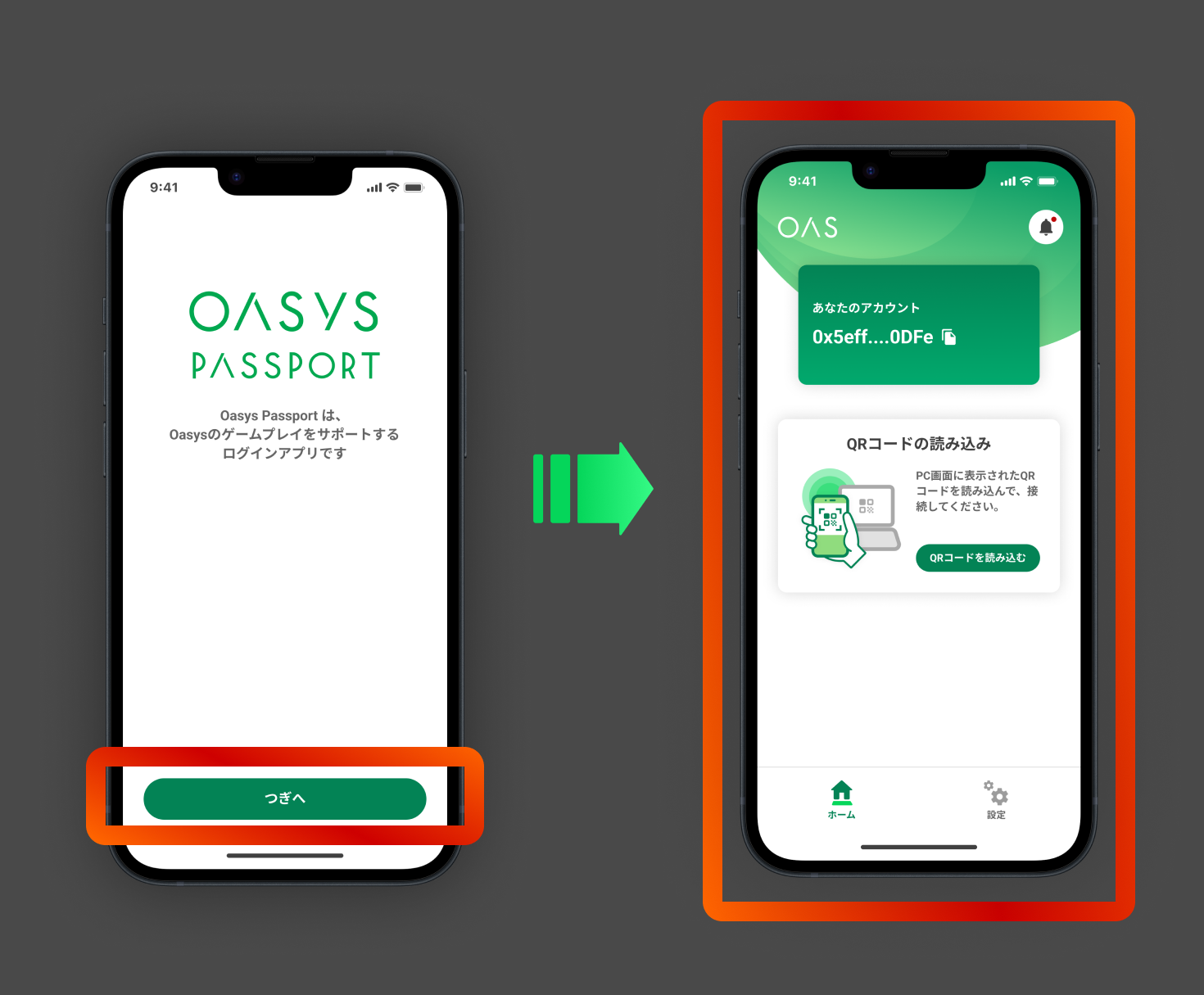
Create an Account
Open the 'Oasys Passport' app and follow the instructions on the screen to create an account. Once the home screen appears, your account has been successfully created!

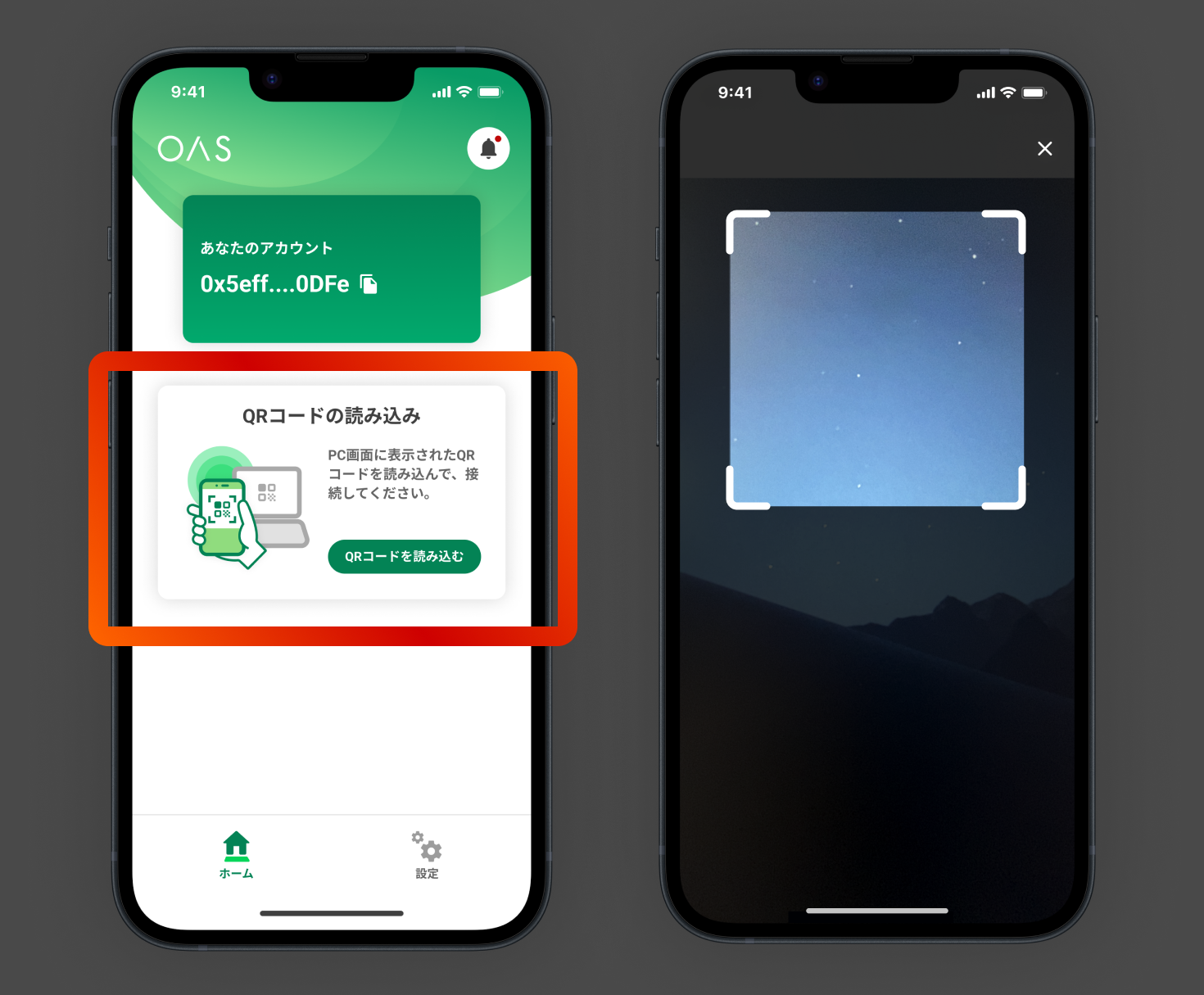
Launch the Camera
On the Oasys Passport app home screen, tap the 'Scan QR Code' button.

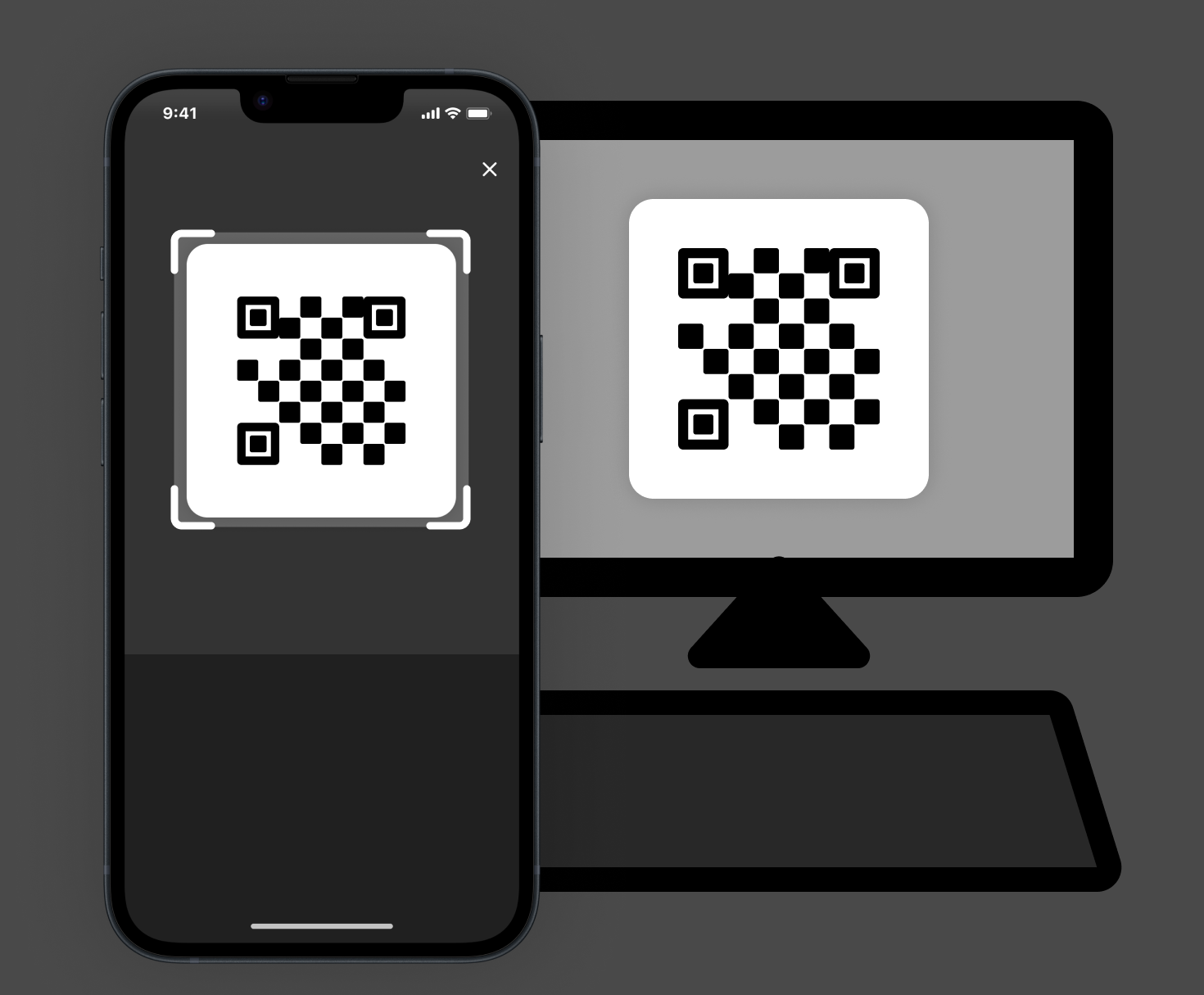
Display the Game QR Code and Scan It in the App
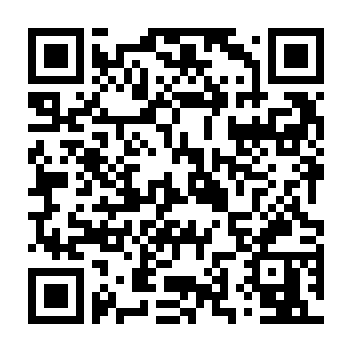
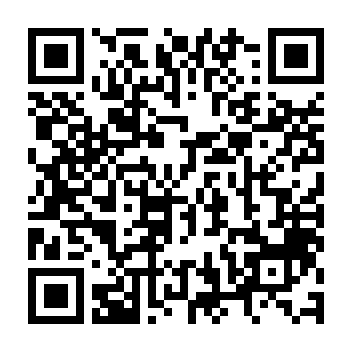
Click the 'Show QR Code' button below to display the QR code. Scan the displayed QR code using the camera you launched in Step 3.

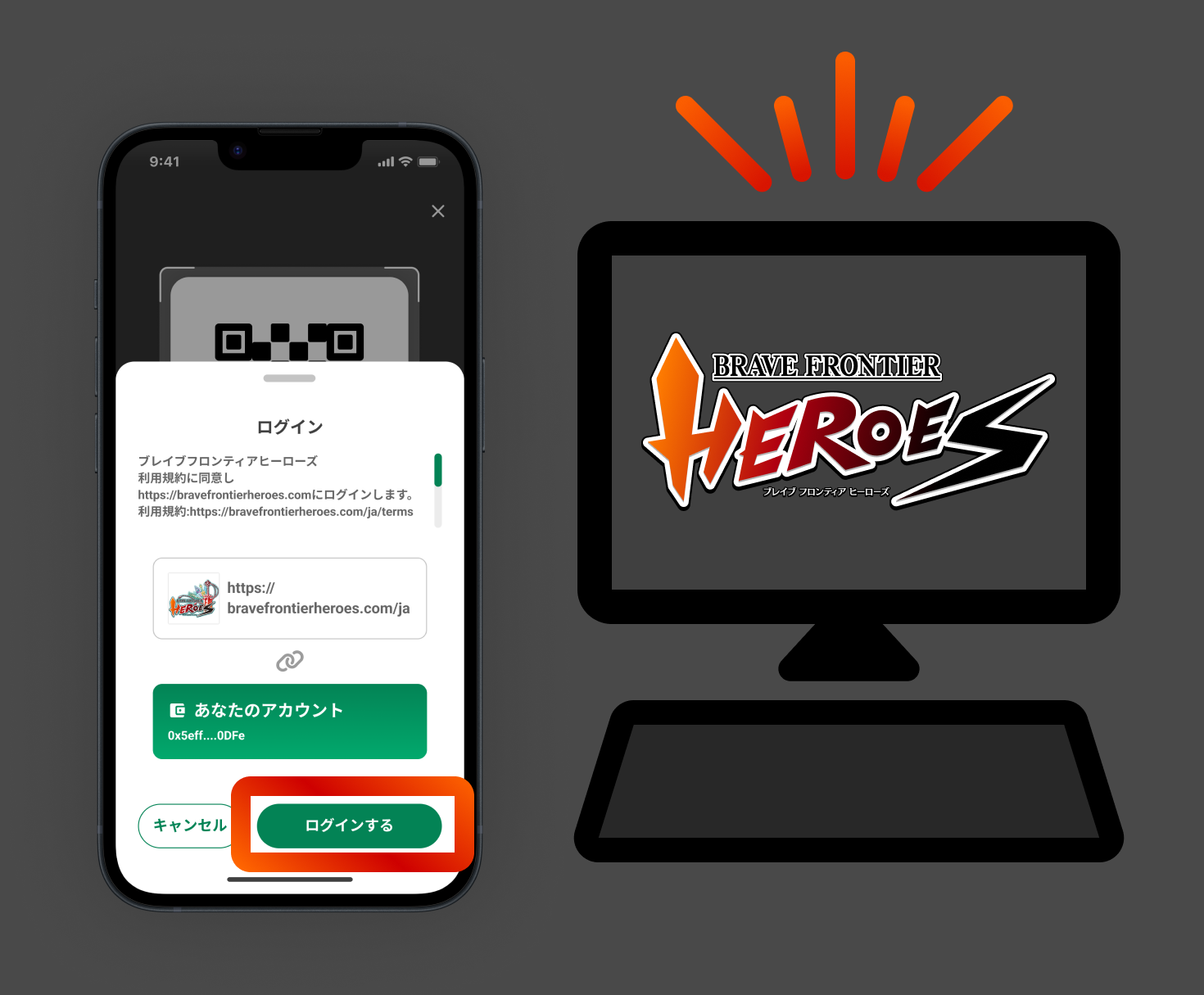
Log In
After scanning the QR code, the login screen will appear in the Oasys Passport app. Tap the 'Log In' button, return to the game screen on your PC, and start playing!
©2026 VNLWorks Inc. All Rights Reserved. Powered by Oasys Wallet Inc.